
If you’ve seen headlines about adding your passport to your phone, you’re not imagining things. The new digital ID in Apple Wallet allows U.S. travelers to store a secure digital version of their passport directly on their iPhone.
As travel advisors, we help clients navigate details like identification requirements as part of the bigger picture of planning smooth, well-prepared trips.
It’s a helpful step toward easier airport experiences, but it’s important to understand what this new digital ID does and does not replace. Here’s a clear breakdown of how it works, who can use it, and when it actually comes in handy.
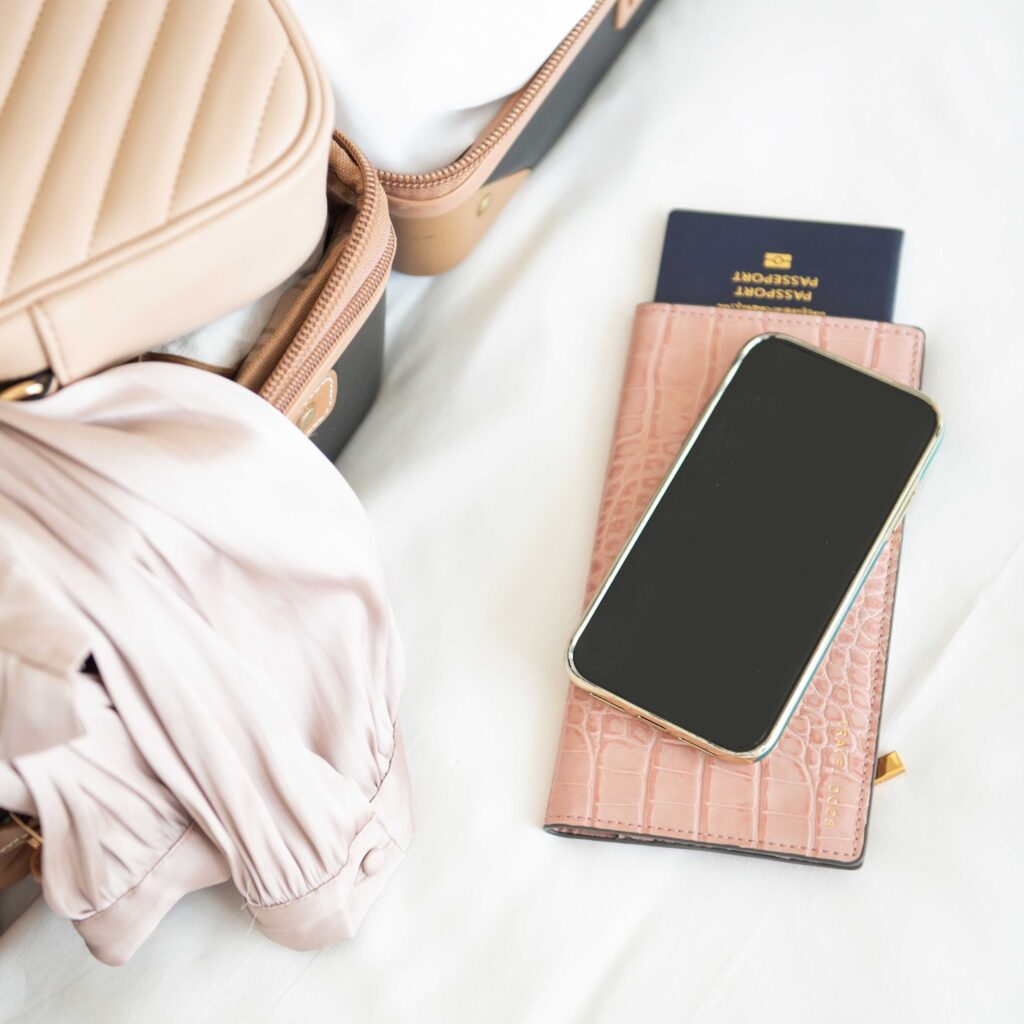
What Is the Digital ID in Apple Wallet?

Apple’s digital ID allows eligible travelers to store a secure, digital version of their U.S. passport inside Apple Wallet. The feature was developed in coordination with the Transportation Security Administration (TSA) and is designed to streamline identity verification at select airport security checkpoints.
This digital ID is not a replacement for your physical passport. Instead, it’s an optional tool that can be used in limited situations, primarily within the United States.
Where the Digital ID Works (For Now)
As of now, the digital passport ID can be used at select TSA checkpoints for domestic flights within the United States.
According to the Transportation Security Administration, digital IDs stored in Apple Wallet are currently accepted at more than 250 U.S. airports, though availability can vary by airport and even by terminal. TSA has noted that participation continues to expand, but travelers should still be prepared to present a physical ID if requested.
Important limitations to know:
- It does not work for international travel
- It does not replace your physical passport for border crossings
- Airlines, foreign governments, and customs officials still require the physical passport
As reported by Travel Weekly, this feature is designed as a convenience for domestic travel only, not a replacement for traditional travel documents.
Think of it as a helpful add-on, not a travel document overhaul.
What the Digital ID Does Not Do
This is where confusion tends to happen, so let’s be very clear.
The digital passport ID:
- Does not replace your physical passport
- Cannot be used for international flights
- Cannot be used to enter another country
- Cannot be used at customs or immigration
You should always travel with your physical passport when leaving the United States, even if you have a digital ID stored on your phone.
Who Can Use the Digital Passport ID?
To add a digital passport ID to Apple Wallet, travelers must meet all of the following requirements:
- Have an unexpired U.S. passport
- Use an iPhone 11 or newer
- Have iOS 26.1 or later installed
- Enable Face ID and passcode security
If you don’t meet these requirements, the feature won’t appear as an option in your Wallet app.
How to Set It Up
If you’re eligible, setup is straightforward:
- Open the Apple Wallet app
- Tap the “+” icon
- Select Driver’s License or ID Cards, then choose Digital ID
- Scan your passport photo page
- Complete the identity verification process, including a selfie
Your information is encrypted and stored securely on your device. Apple does not share the data without your consent.
Why This Can Be Helpful for Travelers
For domestic travel, the digital ID can make airport security feel a little lighter:
- One less document to pull out at TSA
- Faster identity verification at supported checkpoints
- Useful backup if you’re juggling kids, bags, or boarding passes
That said, it’s best viewed as a nice-to-have, not something to rely on exclusively.
Our Advice as Travel Advisors
We love tools that make travel smoother, but we’re also big believers in being prepared.
If you’re traveling internationally, always:
- Carry your physical passport
- Check entry requirements well before departure
- Avoid assuming new tech replaces official documents
If you’re unsure whether a digital ID will be accepted on a specific trip, that’s exactly the kind of question we help clients navigate before they travel.
Sources & Further Reading
This information is based on reporting and guidance from trusted industry sources, including:
- TSA official announcements on digital ID acceptance
- Coverage from Apple on Apple Wallet digital IDs
- Reporting from TravelPulse on evolving airport security technology
As this technology continues to roll out, we’ll keep monitoring updates and sharing what actually matters for travelers.
If you have upcoming travel plans and want help making sure you’re fully prepared, we’re always happy to guide you through the details so nothing is left to chance.

Kristin founded Bright Life Travel Co. after discovering firsthand how overwhelming travel planning can become for busy families. What started as a passion for travel quickly grew into a mission: helping families, couples, and groups enjoy incredible vacations without spending countless hours researching every detail themselves.
Today, Kristin leads a team of travel advisors who share her commitment to professionalism, integrity, and personalized service. Together, they help clients create vacations that feel seamless, meaningful, and worth every dollar invested.
As a mom of four and an avid traveler herself, Kristin knows that the best trips aren’t just about where you go—they’re about creating memories with the people you love most.